Build My Brainrot
About Build My Brainrot
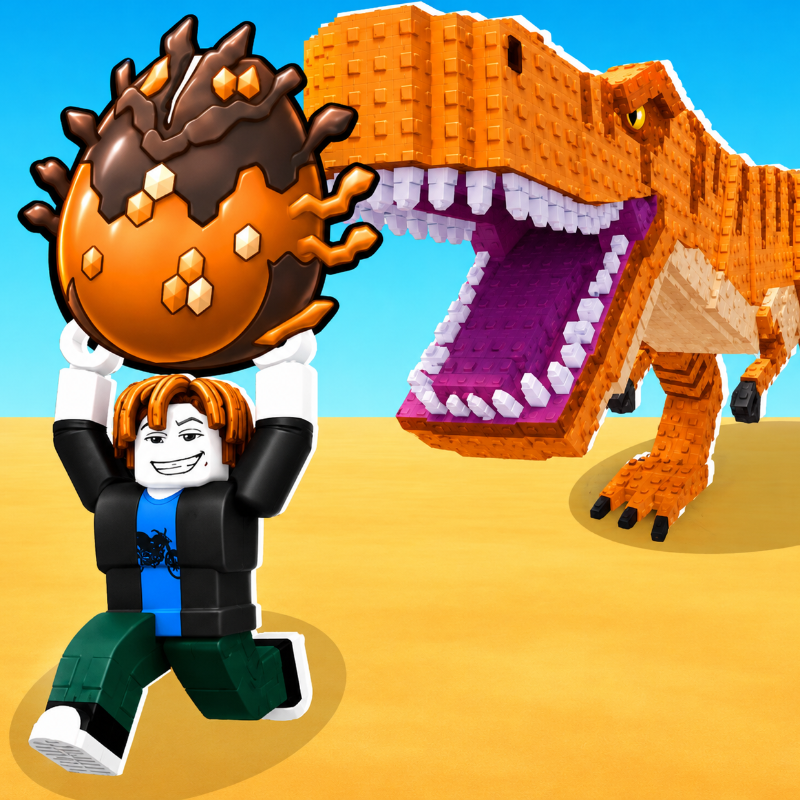
Build My Brainrot is a unique casual puzzle-simulation game that challenges players to build quirky “brainrot” characters by skillfully collecting and placing colored blocks on a grid. In Build My Brainrot, players engage in light resource management and creative pattern-building as they fill shapes efficiently while upgrading abilities such as speed and inventory capacity. The charm of Build My Brainrot lies in its simple controls, humorous character designs, and the gratifying progression of transforming scattered resources into complete animated figures.
In Build My Brainrot, your primary objective is to collect enough colored pieces scattered around the map and place them correctly on the grid to finish each quirky brainrot character. This free online game combines elements of puzzle and simulation genres, offering a fresh experience for players who enjoy casual puzzle games with a twist. By carefully filling the right tiles on the grid, players aim to complete the character’s shape fully before running out of space or resources in the game. The satisfaction of completing each figure in Build My Brainrot drives players to improve their strategy and aim for higher efficiency with every attempt.
The puzzle mechanics in Build My Brainrot are simple yet engaging. Players move their piece around using desktop or mobile controls. On desktop, keyboard arrows or WASD keys move the character up, down, left, and right, while the E key or left click collects or places blocks. On mobile devices, Build My Brainrot employs an intuitive on-screen joystick for movement and taps to collect or place blocks. Upgrades that affect movement speed and inventory size become available as you progress, adding a layer of simulation gameplay to this building-focused puzzle game.
Build My Brainrot offers a distinctive building-games experience that requires players to strategically plan their moves to efficiently gather colored blocks and position them on the grid. This puzzle game falls into the building games and Roblox games tags, appealing to fans of creative and casual free online games. The combination of puzzle and building elements makes Build My Brainrot a rewarding and replayable title, perfect for anyone interested in light resource management within a colorful and humorous setting.
Whether you are a fan of building games, puzzle games, or casual simulation titles, Build My Brainrot provides an enjoyable browser game experience. By repeatedly engaging with Build My Brainrot’s creative block placement and upgrade systems, players stay challenged and entertained as they construct increasingly amusing brainrot characters. The straightforward controls and clever game design ensure that Build My Brainrot remains accessible to a wide audience while offering depth for those who want to master its mechanics.
In summary, Build My Brainrot is a captivating combination of puzzle and building genres in a free online game format. With its focus on collecting blocks, strategizing placement, and upgrading abilities, Build My Brainrot delivers a delightful and humorous gaming adventure. If you enjoy puzzle games and building games alike, Build My Brainrot is definitely worth trying as an engaging browser game where creativity and strategy meet in a playful simulation environment.
How to Play
**Complete the Brainrot!** Step into a quirky creative world where your goal is to build hilarious “brainrot” characters by collecting and placing colored blocks onto a grid. In this casual puzzle–simulation game inspired by *Build My Brainrot*, you gather resources scattered around the map and carefully fill the correct tiles to match the character’s shape. Complete the pattern before running out of space, unlock upgrades, and bring each strange creation to life!
**Objective & Win Condition:**
Collect enough colored pieces and correctly place them on the grid to fully complete the character. You win by filling all required tiles accurately before your capacity or available pieces runs out.
**Desktop Controls:**
W / ↑ (Up Arrow): Move upward.
S / ↓ (Down Arrow): Move downward.
A / ← (Left Arrow): Move left.
D / → (Right Arrow): Move right.
E / Left Click: Collect or place blocks.
Shift: Increase movement speed (if unlocked).
**Mobile Controls:**
On-Screen Joystick: Move in all directions.
Tap on Blocks: Collect resources.
Tap on Grid: Place blocks in the correct position.
Upgrade Buttons: Tap to improve speed or inventory size.
Popular Games
Discover more games to play next.