Minni Family Home - Play House
About Minni Family Home - Play House
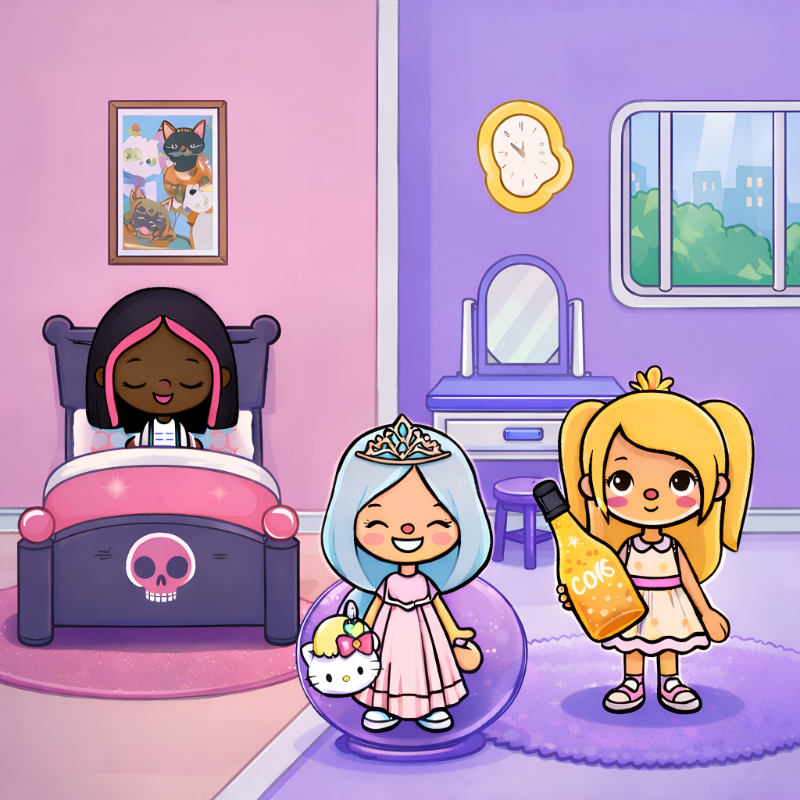
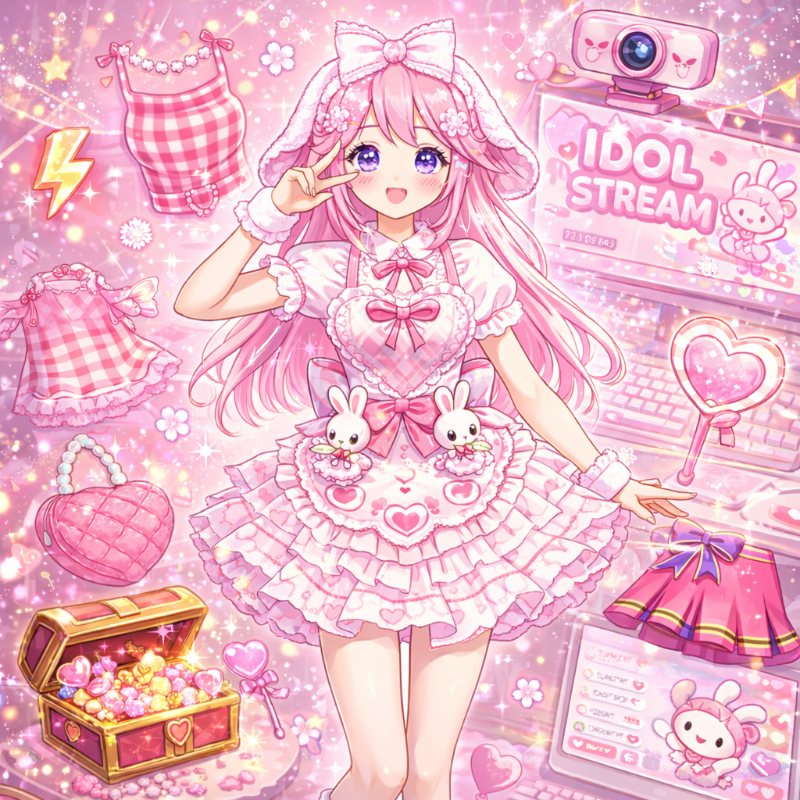
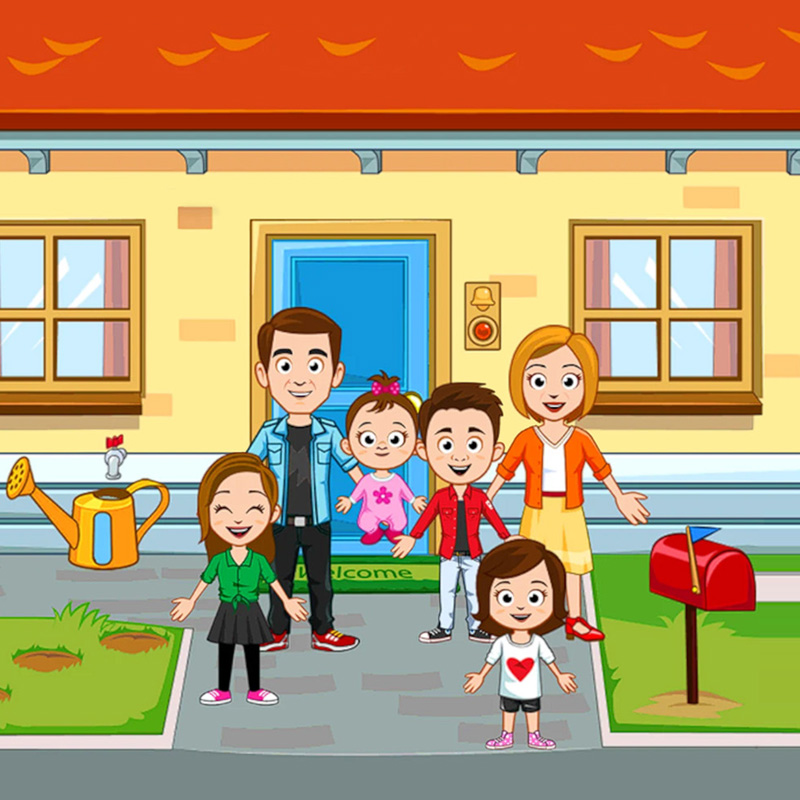
Minni Family Home - Play House is a delightful free online game designed especially for kids who love cozy, casual play and creative dress-up activities. In Minni Family Home - Play House, players can create their own family, dress them up in cute outfits, and explore a variety of engaging locations like the house, supermarket, dentist, hair salon, café, school, park, tree house, and a friend’s house. This kids game encourages imagination through its easy-to-use interface and open-ended gameplay, making Minni Family Home - Play House a perfect choice among dress-up games and creativity games for children.
One of the best features of Minni Family Home - Play House is that it offers a relaxed experience with no scores, no timers, and no strict rules. This cozy online game invites players to pick up any object or character, drag them around, and invent their own stories in a charming pretend-play environment. As a house game and casual game, Minni Family Home - Play House nurtures creativity and keeps young minds entertained with simple interactions that encourage ongoing play and exploration.
Playing Minni Family Home - Play House is intuitive and user-friendly. Kids can use desktop or mobile controls to select characters, objects, or buildings, then drag them anywhere. This free online game allows players to try out different hairstyles, outfits, hats, eyes, and facial expressions, making it a rich dress-up game tailored to children’s interests. Every day, players receive free outfit tickets that they can use in the Prize Pop machine, offering a surprise element and new dress-up options to enhance the gameplay experience. This feature makes Minni Family Home - Play House an enjoyable and engaging beauty game and hairdressing game for young players.
In Minni Family Home - Play House, children can visit various themed locations that foster imaginative scenarios—whether that’s cooking a snack in the kitchen, brushing teeth in the dentist’s office, filling a basket in the supermarket, or styling hair at the salon. The combination of house game elements with kid-friendly creativity games makes Minni Family Home - Play House a standout title in one-player-games and baby-games categories.
Because Minni Family Home - Play House is a browser game, it’s easy to access and play anytime. It invites children to relax and have fun in a charming, cute environment with no pressure. The game’s open world and interactive objects encourage continuous storytelling and role-playing, making Minni Family Home - Play House a perfect choice for parents and children looking for casual, safe, and enjoyable online games.
Overall, Minni Family Home - Play House provides a warm, creative, and simple play experience that blends cozy pretend play with dress-up activities. If you enjoy kids games, creativity games, house games, or casual games with cute characters and lots of interaction, Minni Family Home - Play House is a wonderful free online game to try today. Dive into the fun of Minni Family Home - Play House and explore all the surprises waiting in this delightful virtual family world.
How to Play
Make your own story in Minni Town! Create your family, pick a place on the map and step inside. Pick up anyone and anything, drag them around the room and see what happens. Cook a snack, brush teeth at the dentist, fill a shopping basket, try a new haircut or feed the birds in the tree house. There is no score, no timer and no way to lose. The goal is to explore, find every surprise and play out the stories you imagine.
• Create and dress up characters: change their hairstyles, outfits, hats, eyes and expressions.
• Open the map and tap a building to visit it. Four places are open from the start. One short optional video opens the other five for your play session.
• Collect free tickets every day and use them at the Prize Pop machine to win a random new outfit.
Desktop Controls:
Left Mouse Button: Select characters, objects, buttons and buildings.
Click and Drag: Pick up characters and objects and move them anywhere.
Drag the Background: Scroll around the room.
Mouse Wheel: Scroll through the outfit and shop lists.
No keyboard needed.
Mobile Controls:
Tap: Select characters, objects, buttons and buildings.
Touch and Drag: Pick up characters and objects and move them anywhere.
Swipe the Background: Scroll around the room.
Swipe a List: Scroll through outfits and shop items.
Popular Games
Discover more games to play next.